Posted on Leave a comment

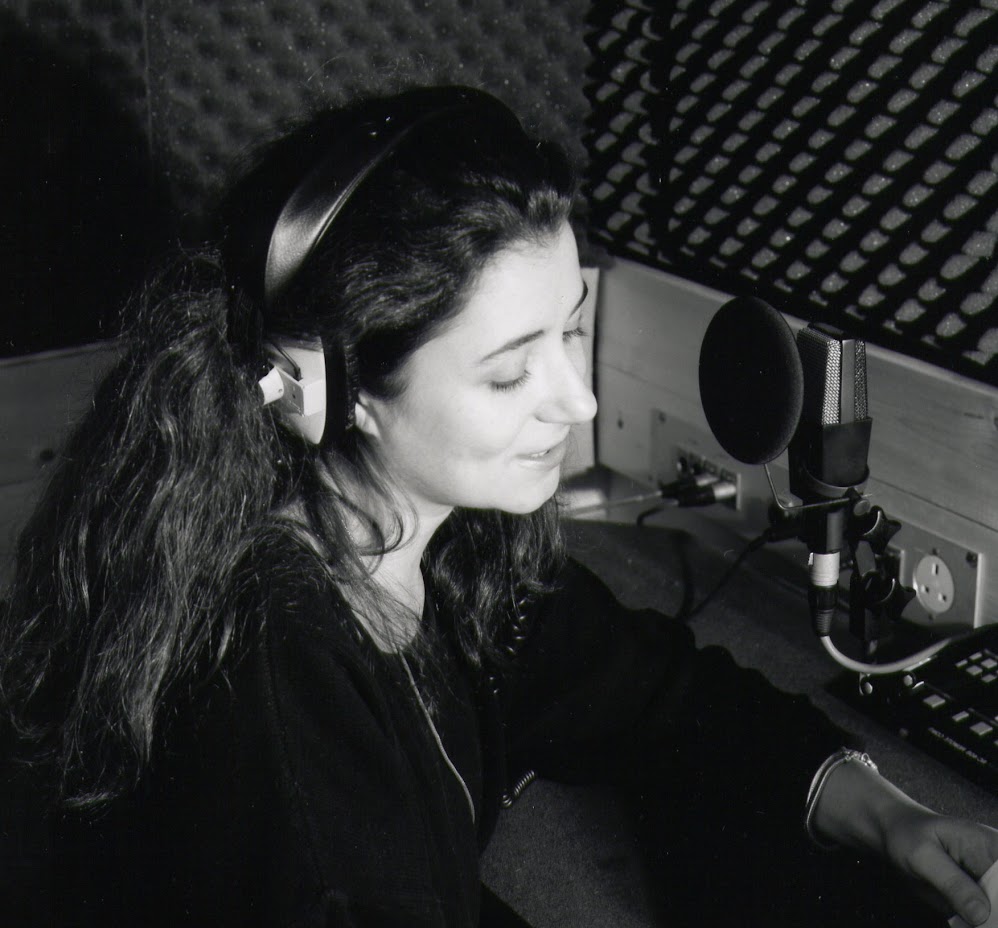
Voiceover Studio ADR Source Connect Cleanfeed Hire in Bath UK

Please use the form below to enquire about booking the voiceover studio in Bath, UK. Once received I will get back to you with prices and availability. Studio is used by the likes of Channel4, BBC and Warner Bros. Advanced booking is advised.
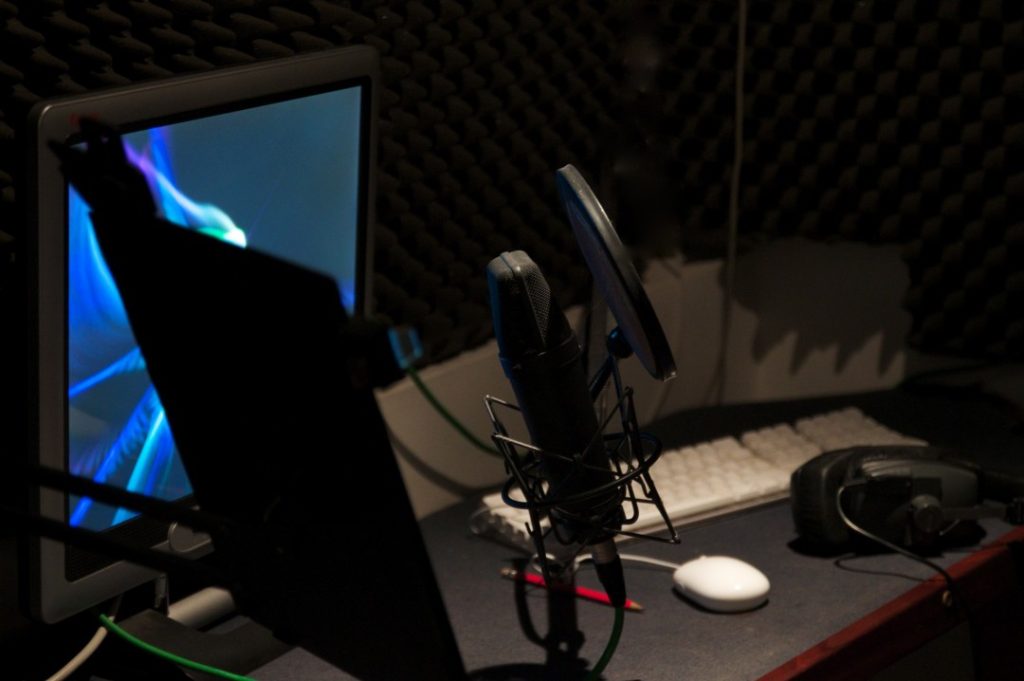
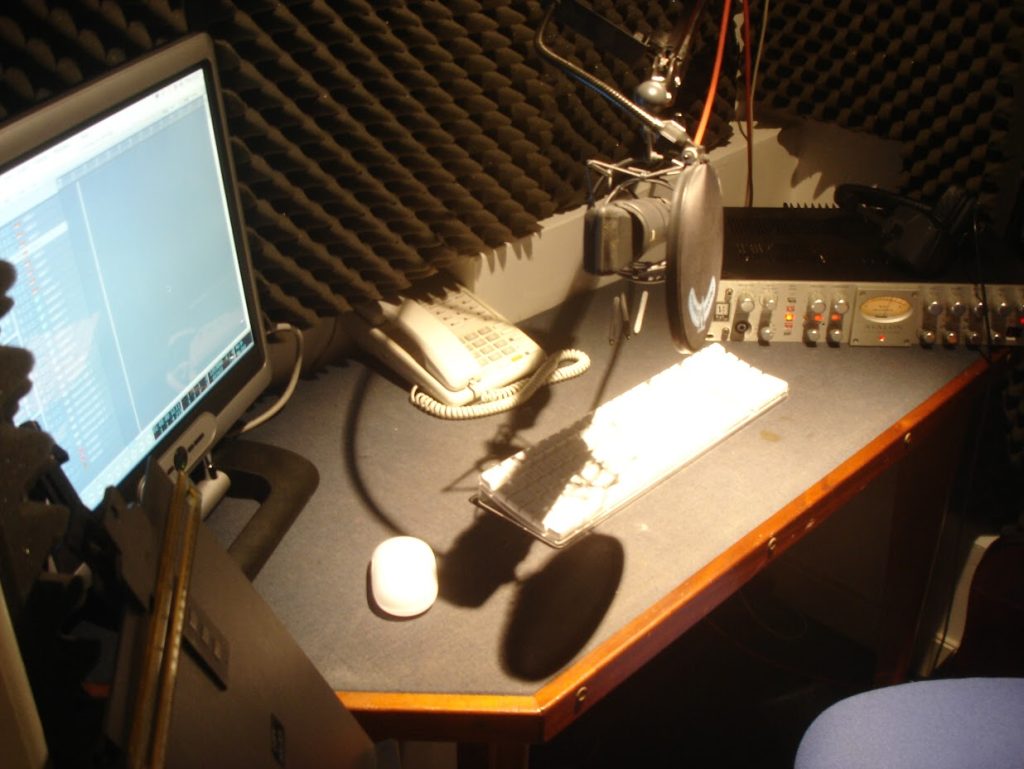
The air-conditioned voiceover / ADR studio is available for hire with audio and ADR studio engineer. Subject to studio availability a same day service can be available for the recording and production of voiceovers in Bath for tv, film and radio. For any enquiries please email here or WhatsApp 07738 470011
The recording studio is conveniently located just a short walk from Bath’s city centre.

Please Note

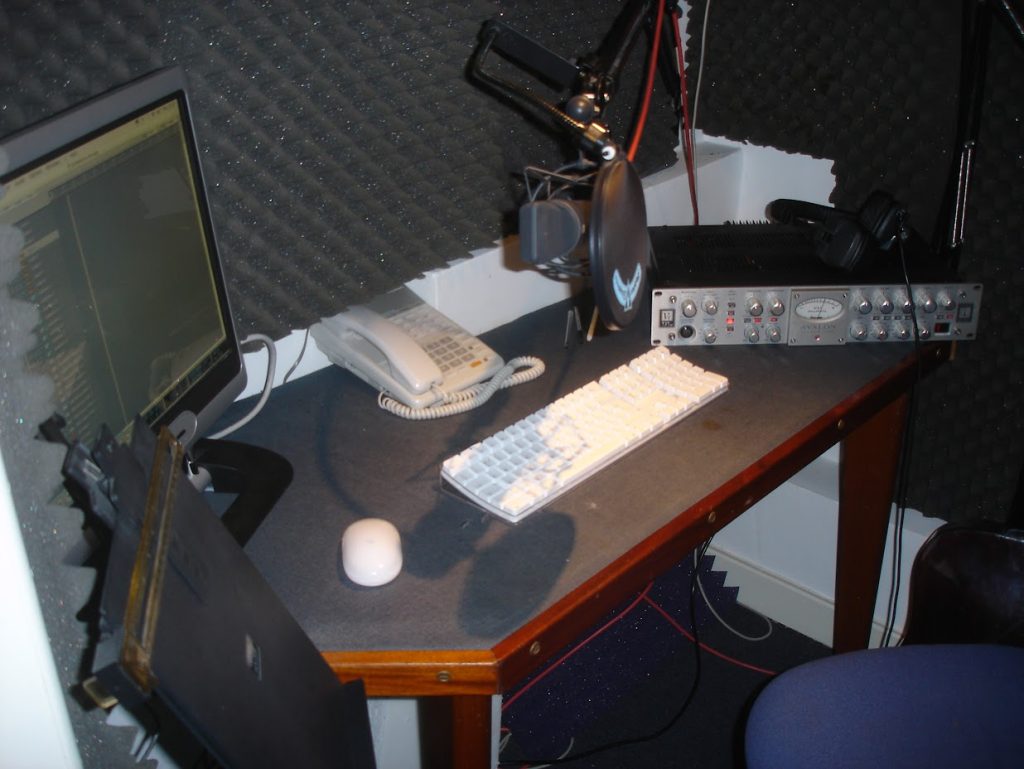
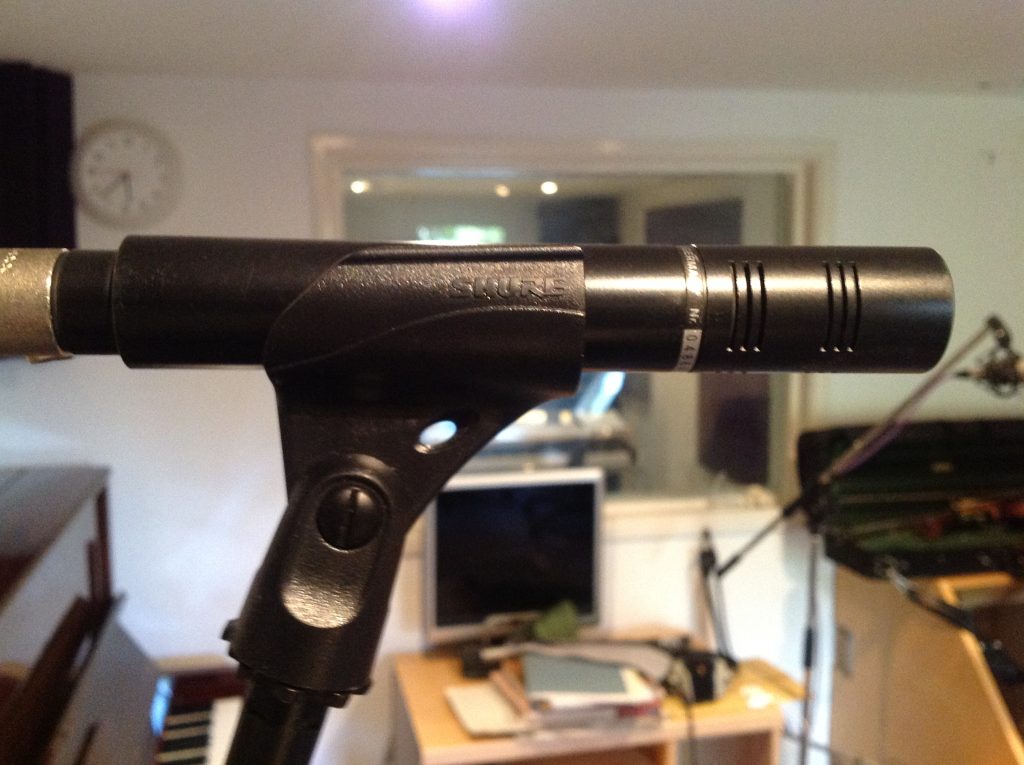
Re. ADR Sessions: I don’t have a full size ADR ‘STAGE’, I have a professionally built voice booth with Neumann U87 and Sennheiser MKH416 microphones, plus a separate podcast studio space.
Source Connect is version 3.8/3.9 NOT V4. Please see note below about RTS (Real Time Sync) if you are looking for us to drive the session transport.

Connection to remote studios

  • ISDN: Now using Cleanfeed for audio sessions
  • Source Connect Standard / Talent v3.9 Username’soundsvisual’ *
  • Source Nexus (was Source Connect Now) Username’soundsvisual’
  • Cleanfeed (user: js@jonathanslattemusic.uk)
  • PLEASE NOTE:
    Standard – Talent 3.8 / 3.9 version of Source Connect can receive timecode using RTS (Real Time Sync) but not send. This means that if you want me to drive an ADR session with my DAW, then it can not be done with the Standard/Talent version of Souce Connect. HOWEVER it can easily be done by me sending LTC (linear timecode) down one channel of a Source Connect or preferably Cleanfeed connection for you to slave to for perfect sync. (As we all did back in the day with ISDN – Solid & Reliable)

    I record using Reaper DAW because it’s so fast for ADR and dialogue editing but if you are on ProTools, I can supply 24bit audio files post session and/or an AAF of the session using AA Translator for import into your DAW. If you need any more info or want to do a test just email me: js@jonathanslattermusic.uk

Studio Rental Enquiry Form – Please use for a quote and availability
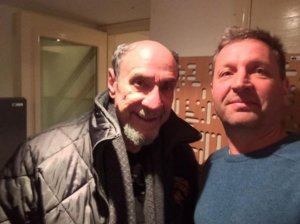


    Recent clients

    • Robert Bathurst
    • Andrew Lincoln (ADR for Walking Dead)
    • F. Murray Abraham (Homeland) Commercials
    • Rufus Hound (Com for Extreme Cake Makers)
    • Richard Mainwaring (The One Show – BBC)
    • Tony Head (ADR for Guilt)
    • Jonathan Watton
    • Ashley Jenson (Facelifts and Fillers – BBC)
    • Ophelia Lovibond (ADR – Hooten & the Lady)
    • Kosha Engler TVC
    • Tamzin Outhwaite (TVC)
    • Angela Griffin (TVC)
    • Patrick Ayree (Sky One)
    • Joe Absolom
    Posted on Leave a comment

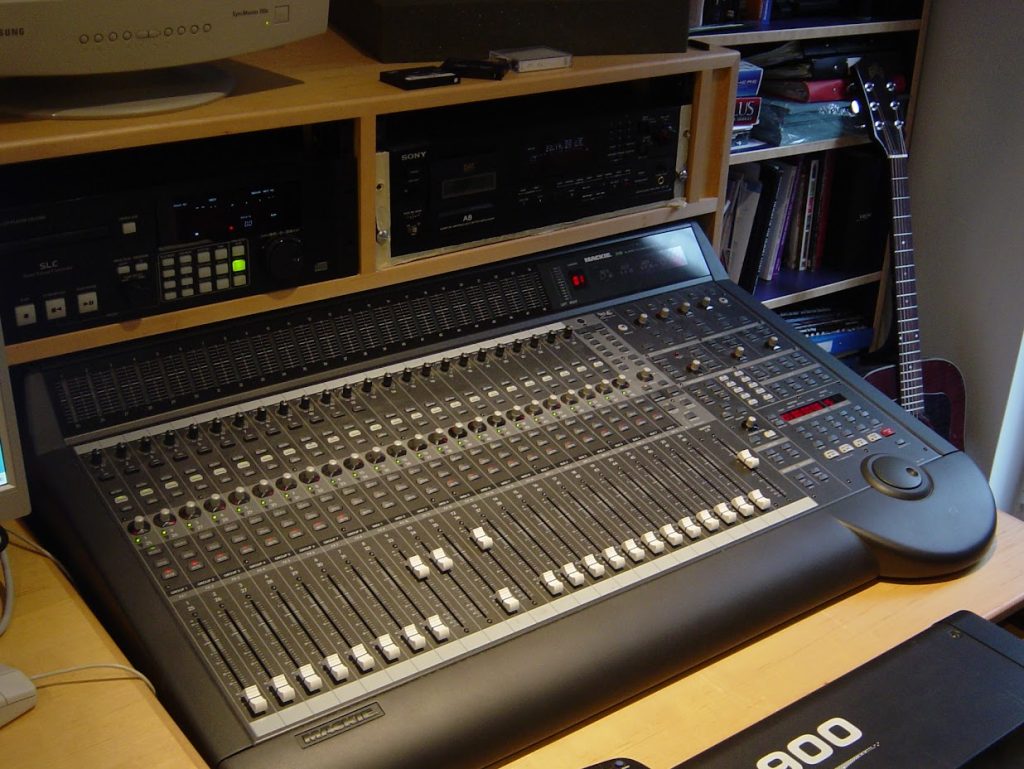
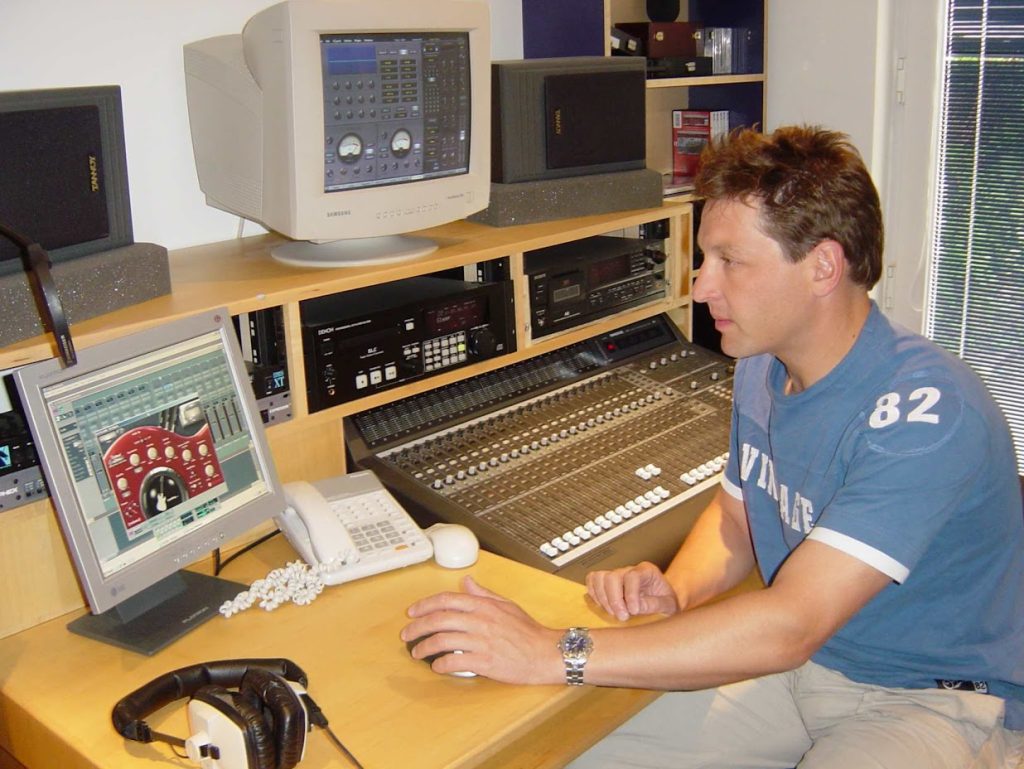
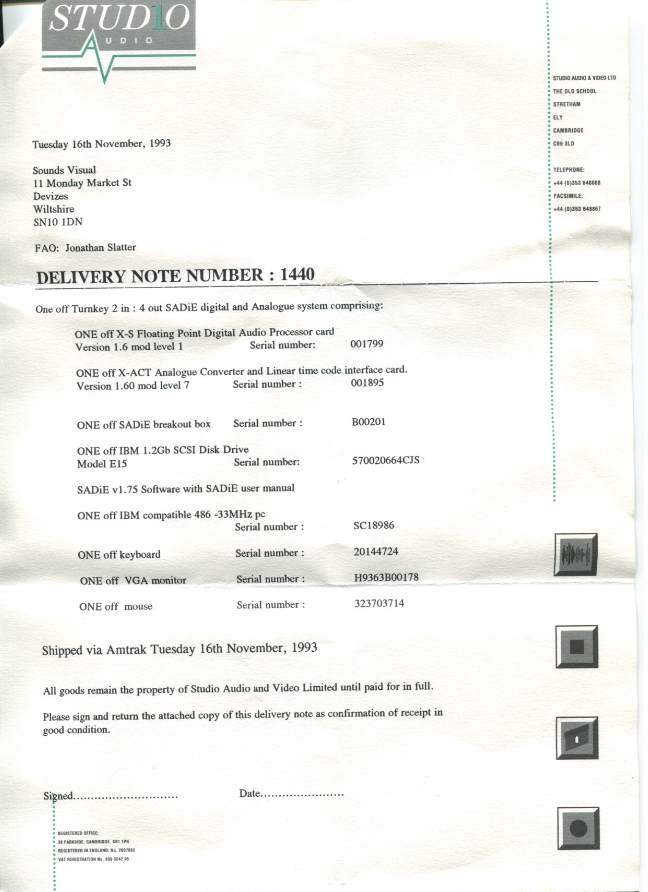
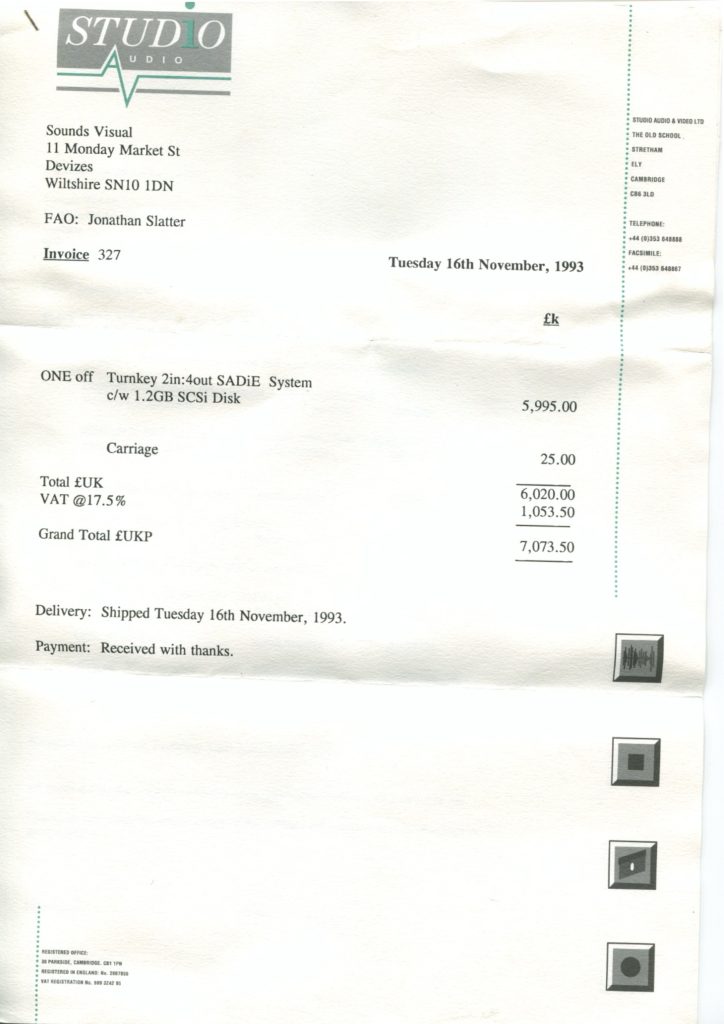
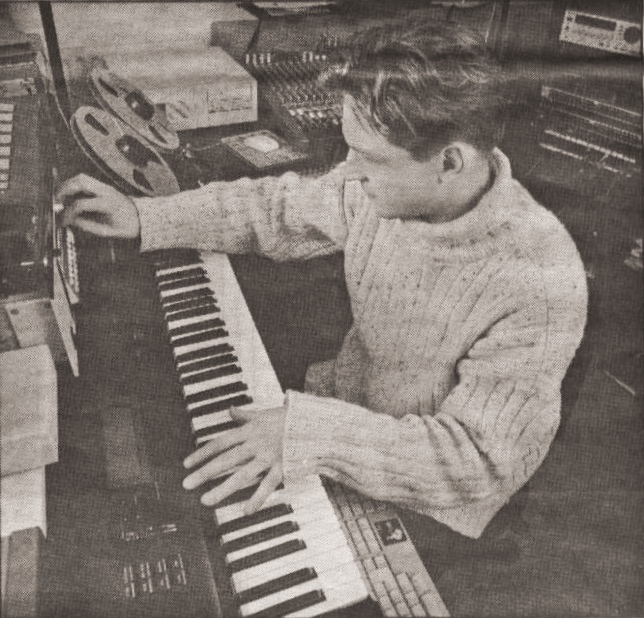
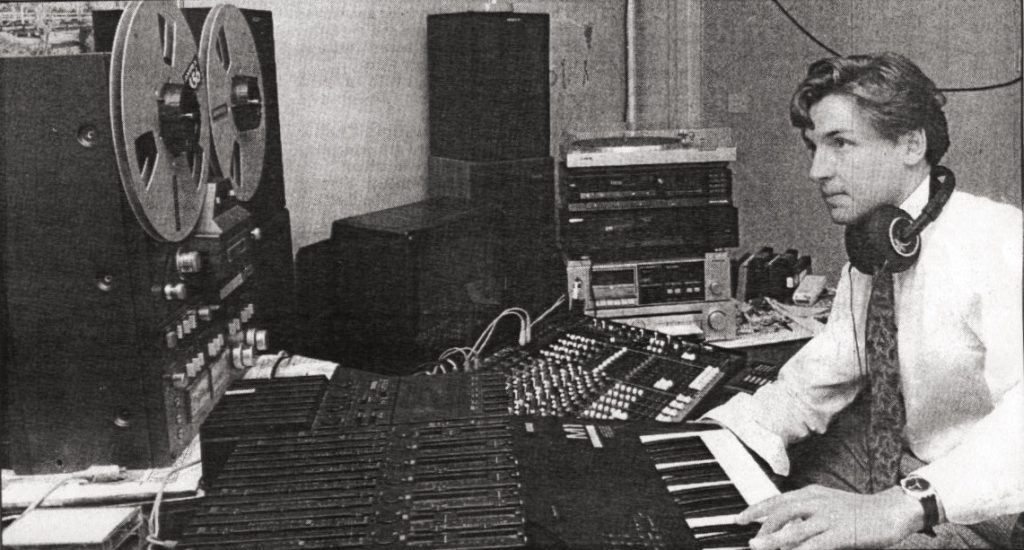
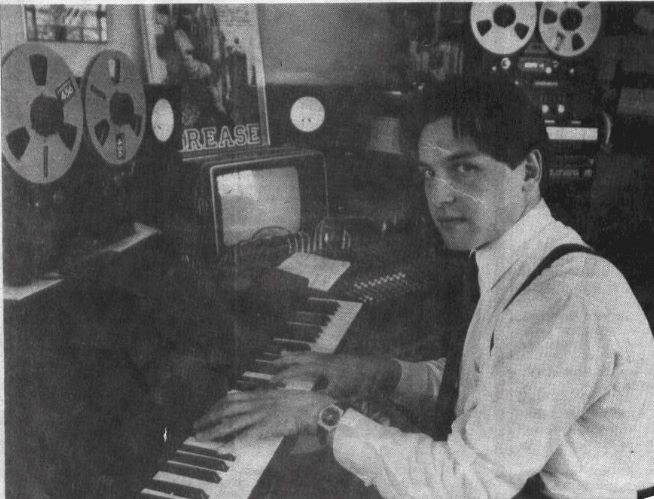
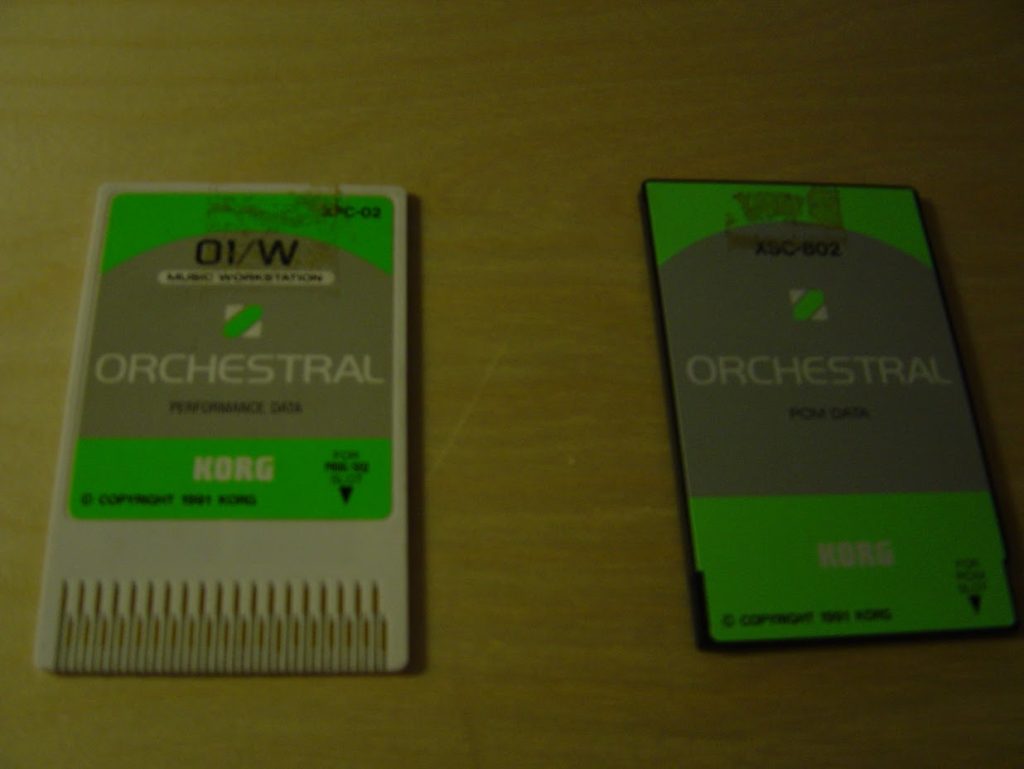
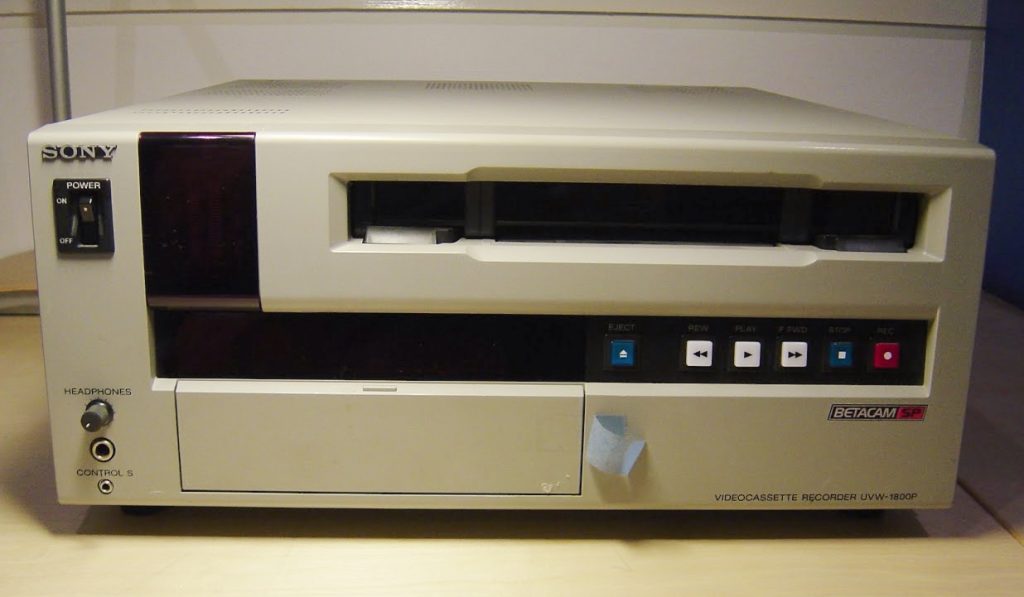
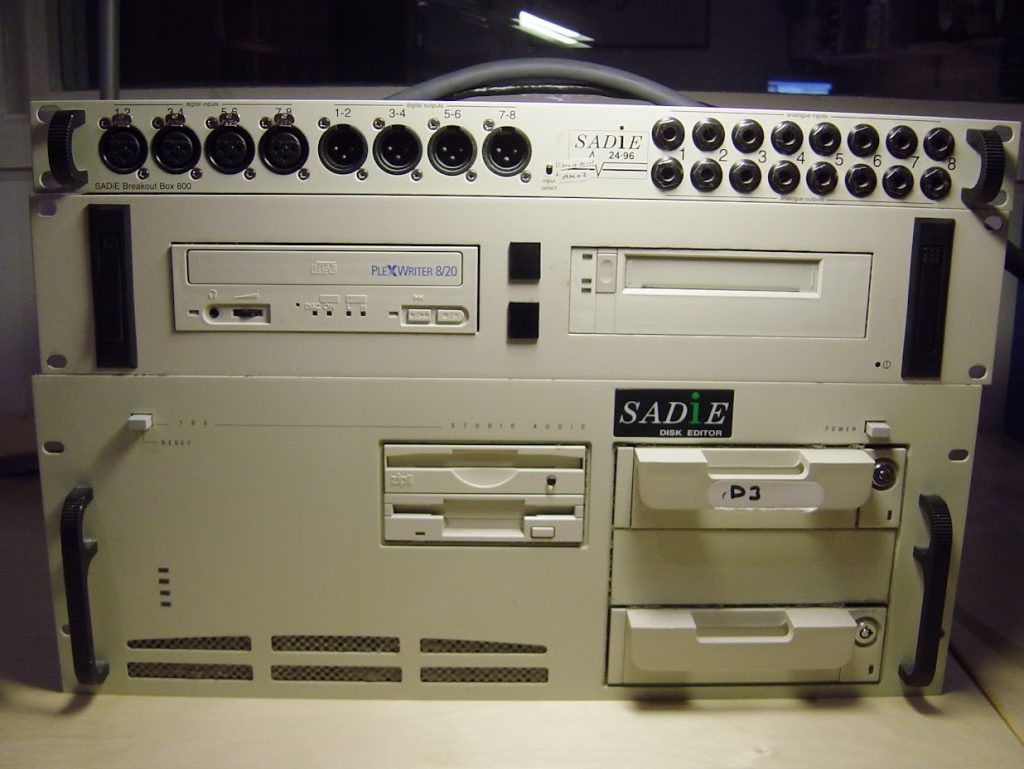
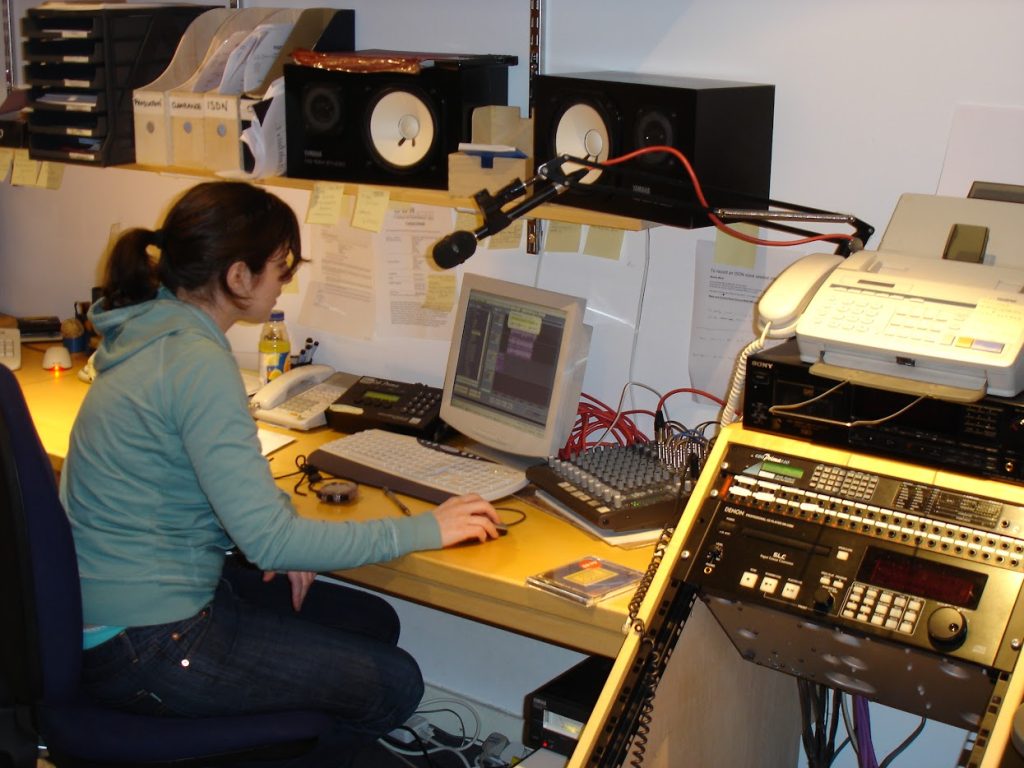
    History of recording equipment from 1990s to Present Day at Jonathan Slatter Music Studio

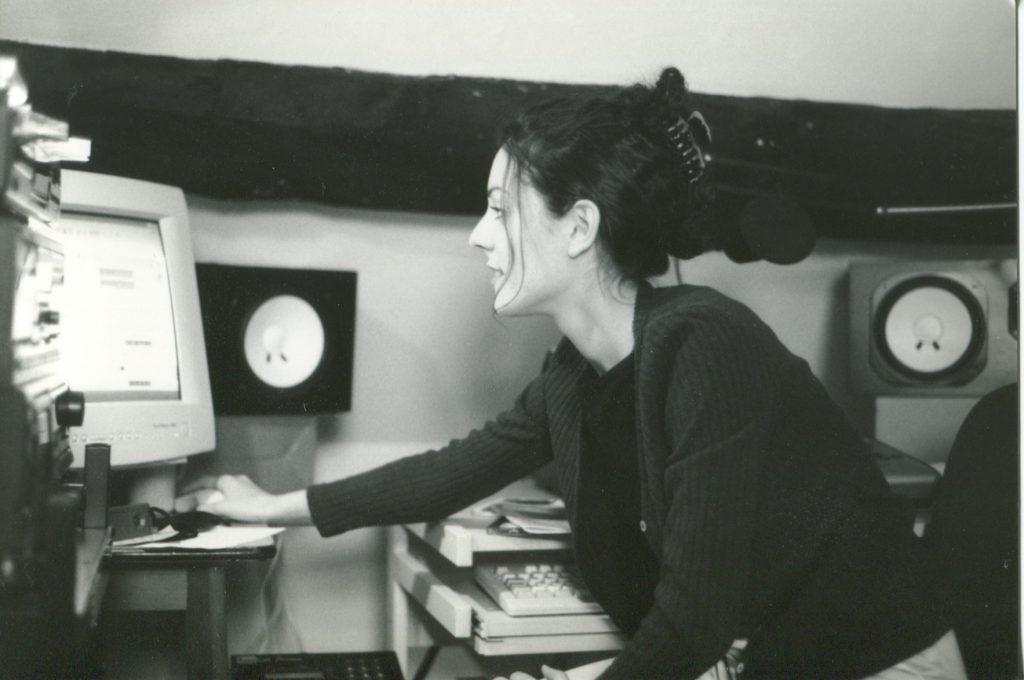
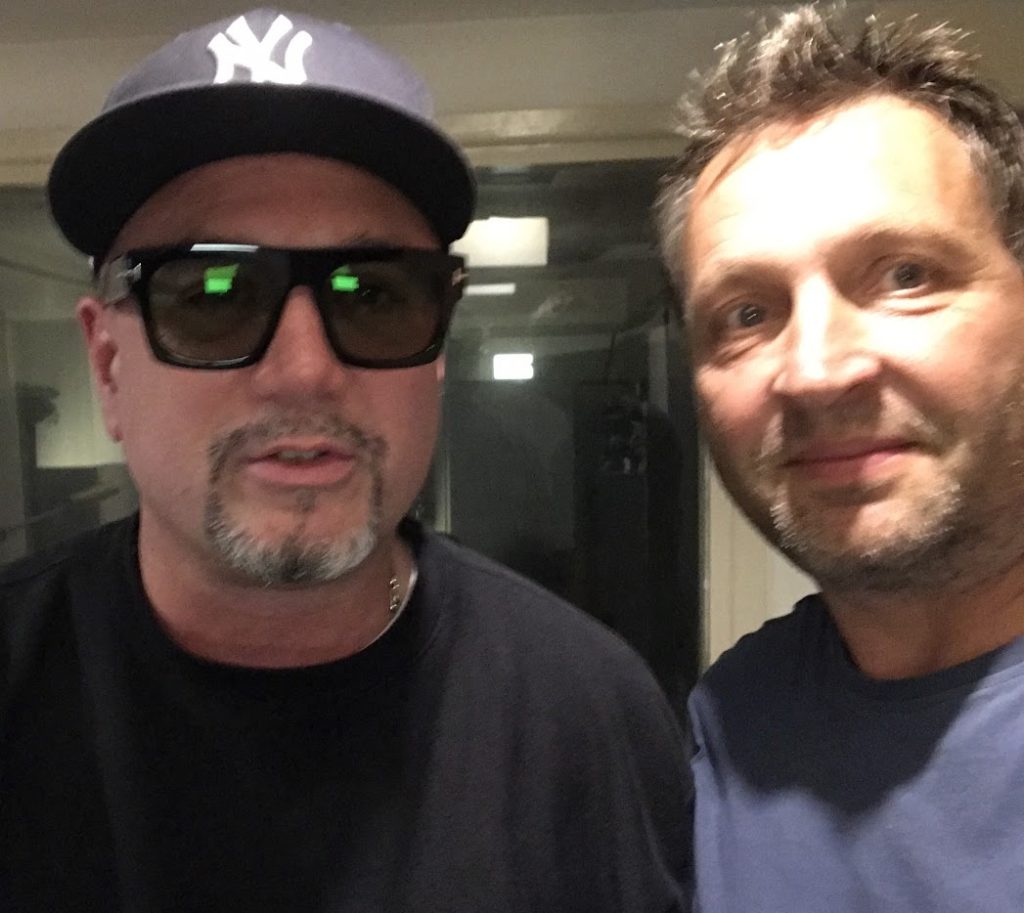
    A little trip down memory lane of some of the recording equipment I have used and people I have worked with over the years…


    Making Sound Effects

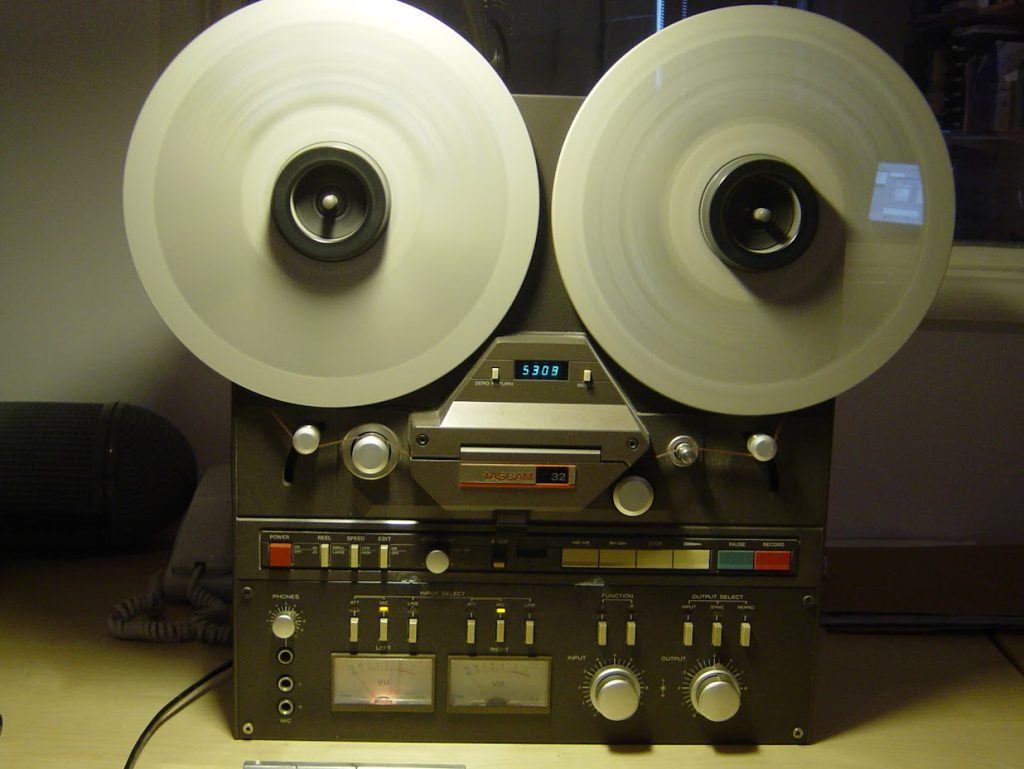
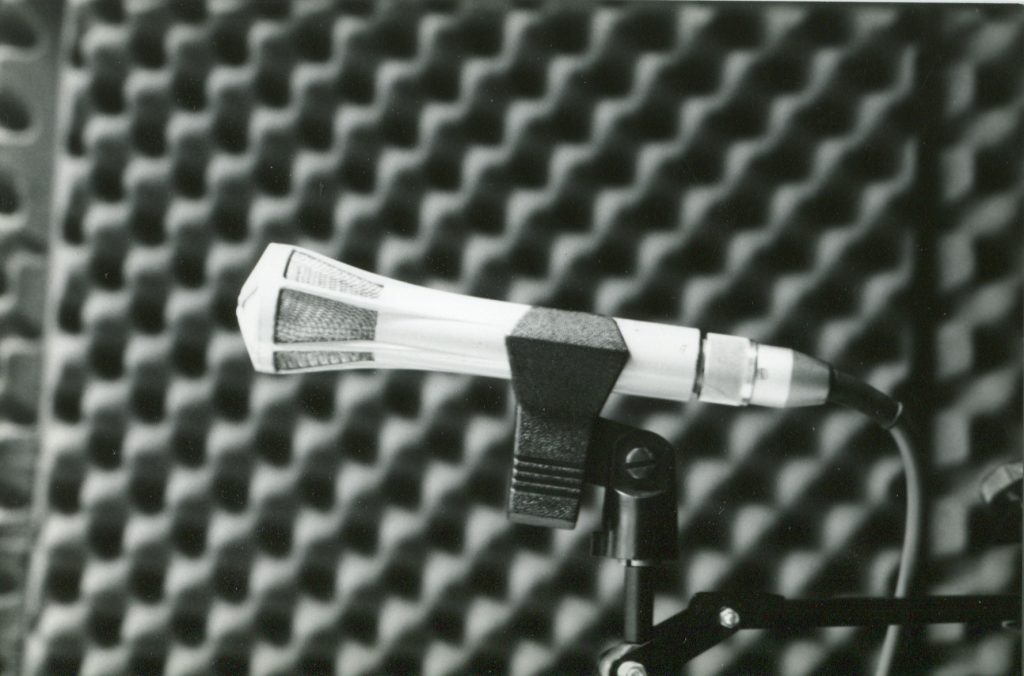
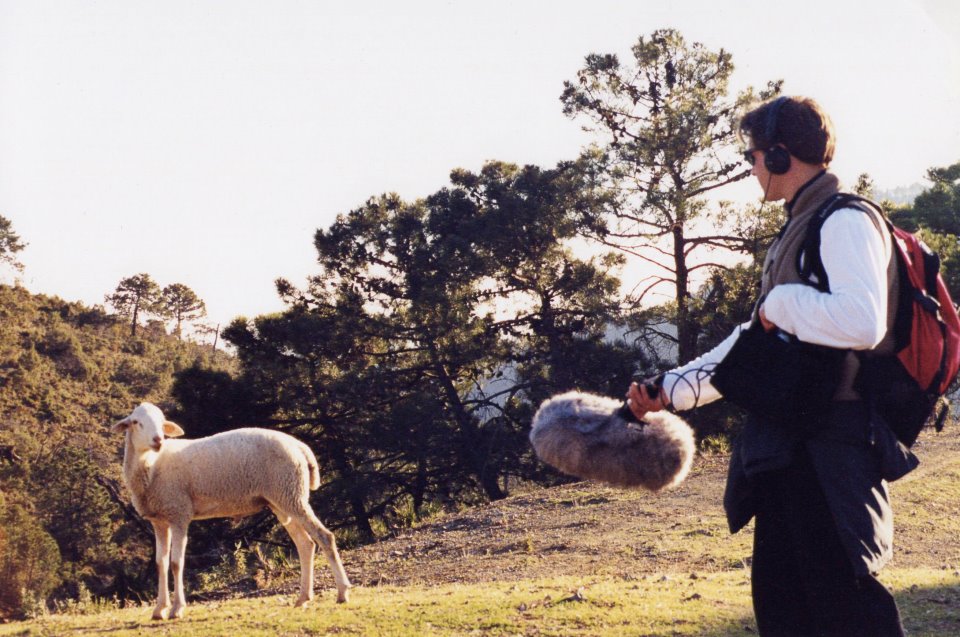
    Aside from music and radio production I’ve always really enjoyed recording sound effects, especially nature sounds – and even more especially the sound of the sea. This was in many ways because in the early days, when I was working from my parents’ house, I had no money, so when making radio adverts, if I needed sound effects I would go out and record them myself rather than buy them. In those days I recorded with my one and only microphone – the amazing Beyer 201 dynamic and a Tascam 32 1/4″ tape machine. So where I could to record was really restricted to the length of the microphone cable…

    In 1994 I purchased a Sony stereo mic and a Teac Portable Dat Recorder, the DA-P20, which I took to the US to record the ‘Sounds of New York City’ in September of that year.

    Manhattan Traffic recorded in 1994
    30 years later it’s still selling: https://www.pond5.com/sound-effects/item/996663-manhattan-traffic?ref=soundsvisual

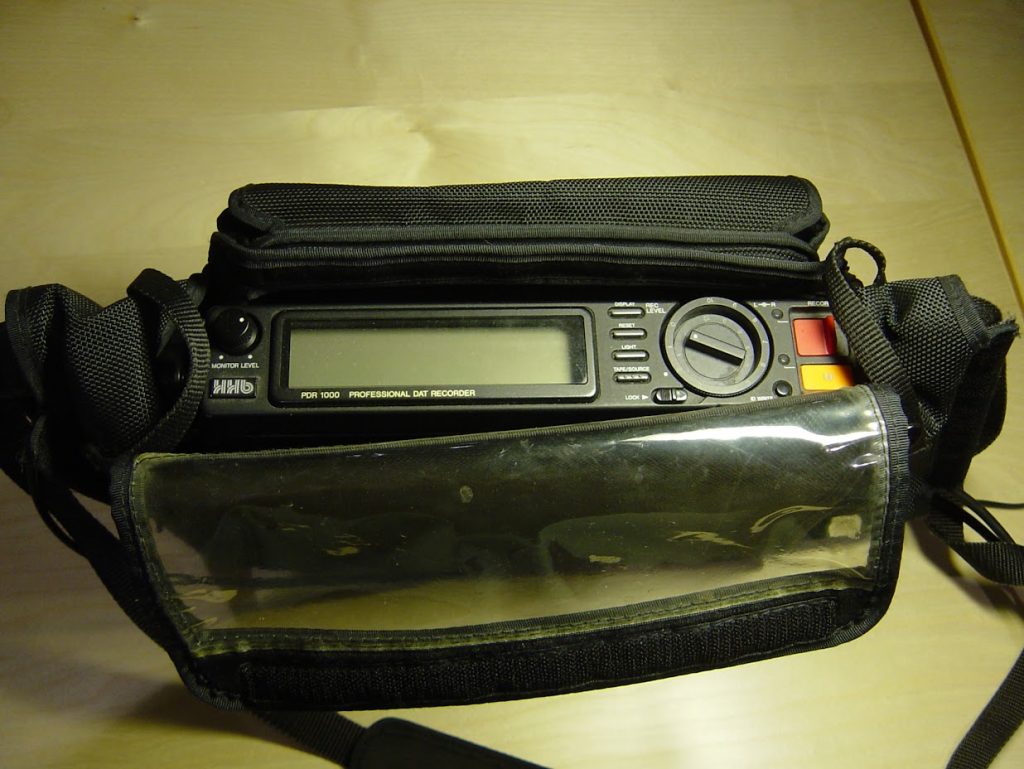
    Later I had a portable kit comprising an HHB Portadat with a Sennheiser MKH30 / MKH40 M-S stereo pair – wrapped up in a Rycote windjammer.

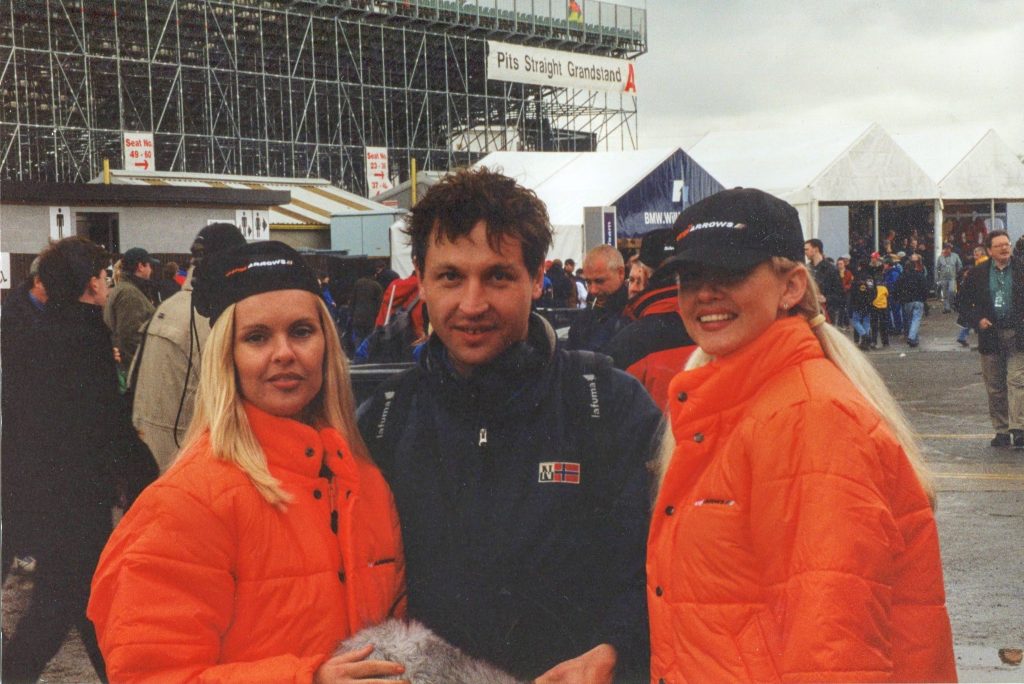
    F1 Cars Practice Day Silverstone 1996
    https://www.pond5.com/sound-effects/item/8824981-formula-1-cars-bend-straight?ref=soundsvisual

    Posted on Leave a comment

    How to tighten the timing of audio in Reaper using Stretch Markers

    How to tighten the timing of audio in the Reaper DAW. Using stretch markers to improve the playing and timing of a recorded piano piece.

    Recorded on a 1930s Berlin built Steck upright piano to a click track. By adding Reaper stretch markers to the main transients you can move parts of the recorded audio to tighten up the timing to the grid or beat.

    To manually add a stretch marker place the cursor where you want it to go on the wave form within an item – usually just before transient (highest / loudest part of the waveform) and click while holding down option/alt and cmd/ control. To remove a stretch marker – option or alt click it.

    Chapters:
    0:00 Introduction
    0:47 Adding stretch markers manually
    3:33 Snapping stretch markers to the grid (remember to set the grid up as you need)
    4:12 Using Dynamic Split (D) to create stretch markers on transients automatically
    7:16 Fixing the warble and artifacts
    7:58 Changing the algorithm used by Reaper for time stretching
    https://www.yopo.co.uk