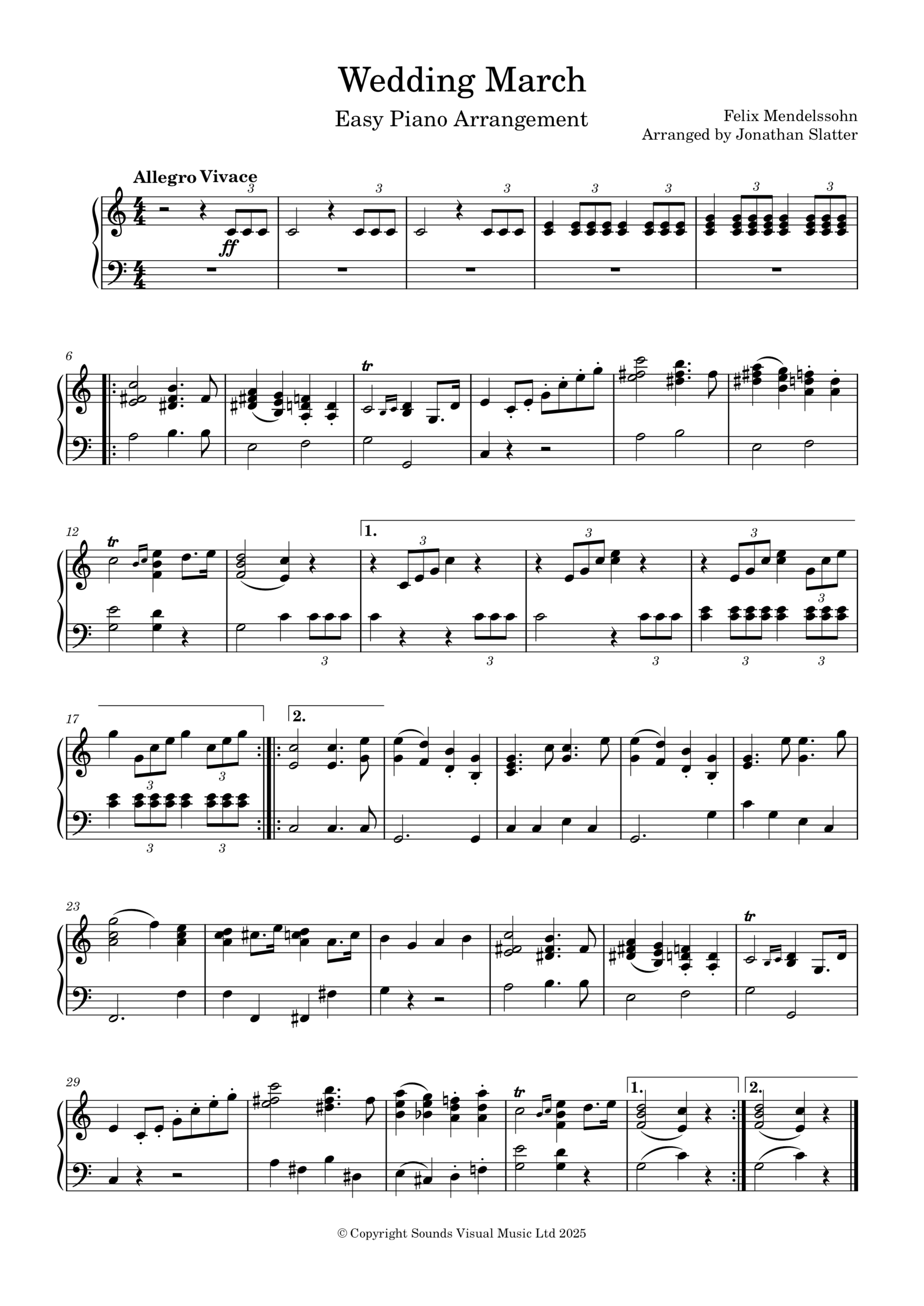
Royalty Production Music Recording of variations of Pachelbel’s Famous Canon in D major played on solo piano. Beautiful melody and cyclical harmonic progressions make this piece so relaxing and enjoyable to listen to.
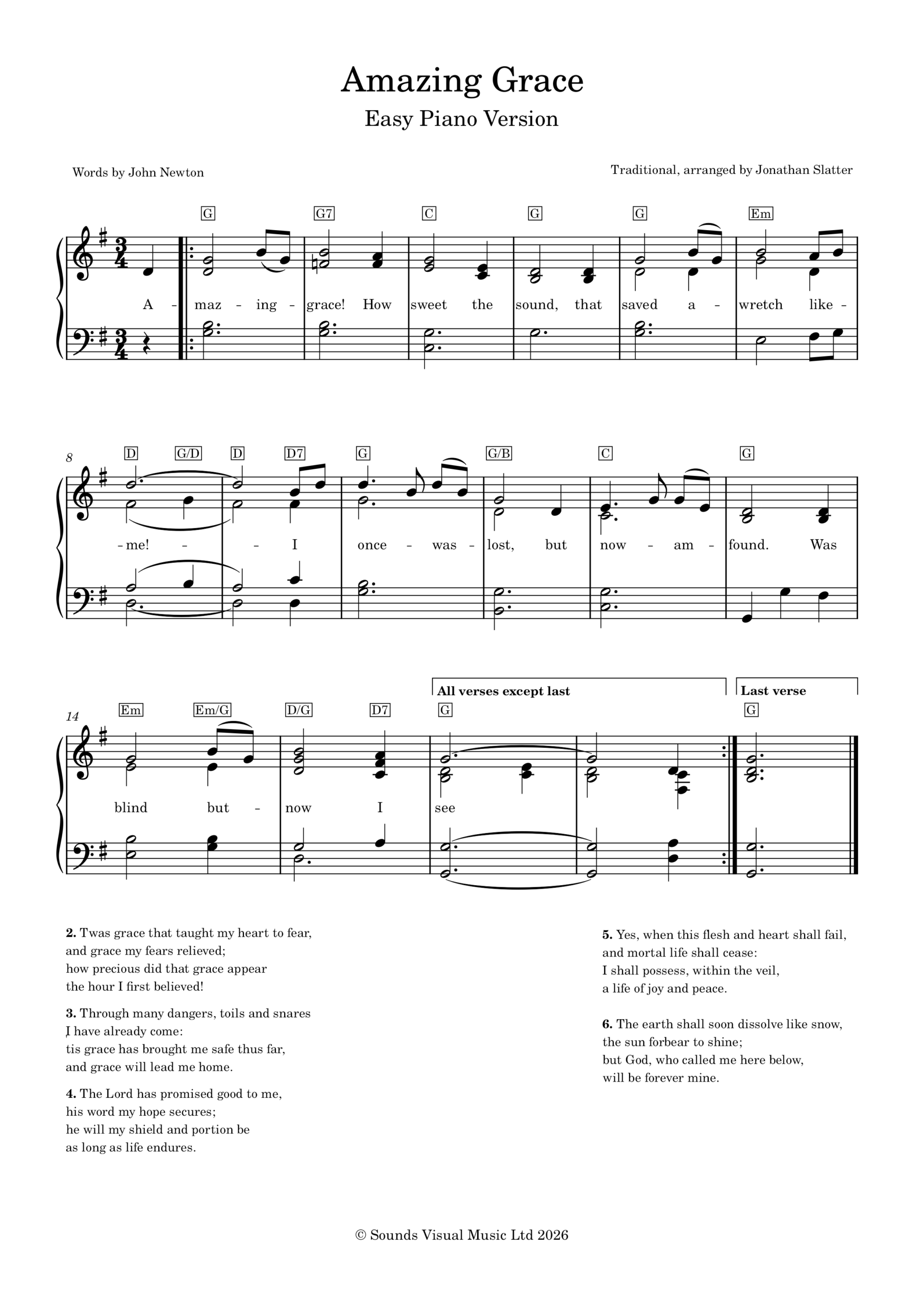
A beginner’s piano arranagement of the beautiful hymn – “O Holy Night” – celebrating the birth of Jesus Christ. (Cantique de Noël) Often performed as a Christmas carol. Includes audio piano guide MP3, words and piano score.
I travelled to Belgrade in Serbia to attend the screening of Director Lazar Vuković’s (Wolf Entertainment) new documentary about the incredible life of Crown Prince Alexander.
I composed the music for this documentary, including arranging the beautiful and haunting Tamo Daleko song for piano and viola, which opens the film.
Tamo Daleko by Dorde Marinkovic arranged by Jonathan SlatterFrom Exile to Return Documentary Film
I also had the unexpected pleasure of meeting the Crown Prince and Crown Princess Katherine at the Royal Palace, before heading to the Yugoslav Film Archive with them to see the finished film, beautifully Directed by Lazar Vukovic.
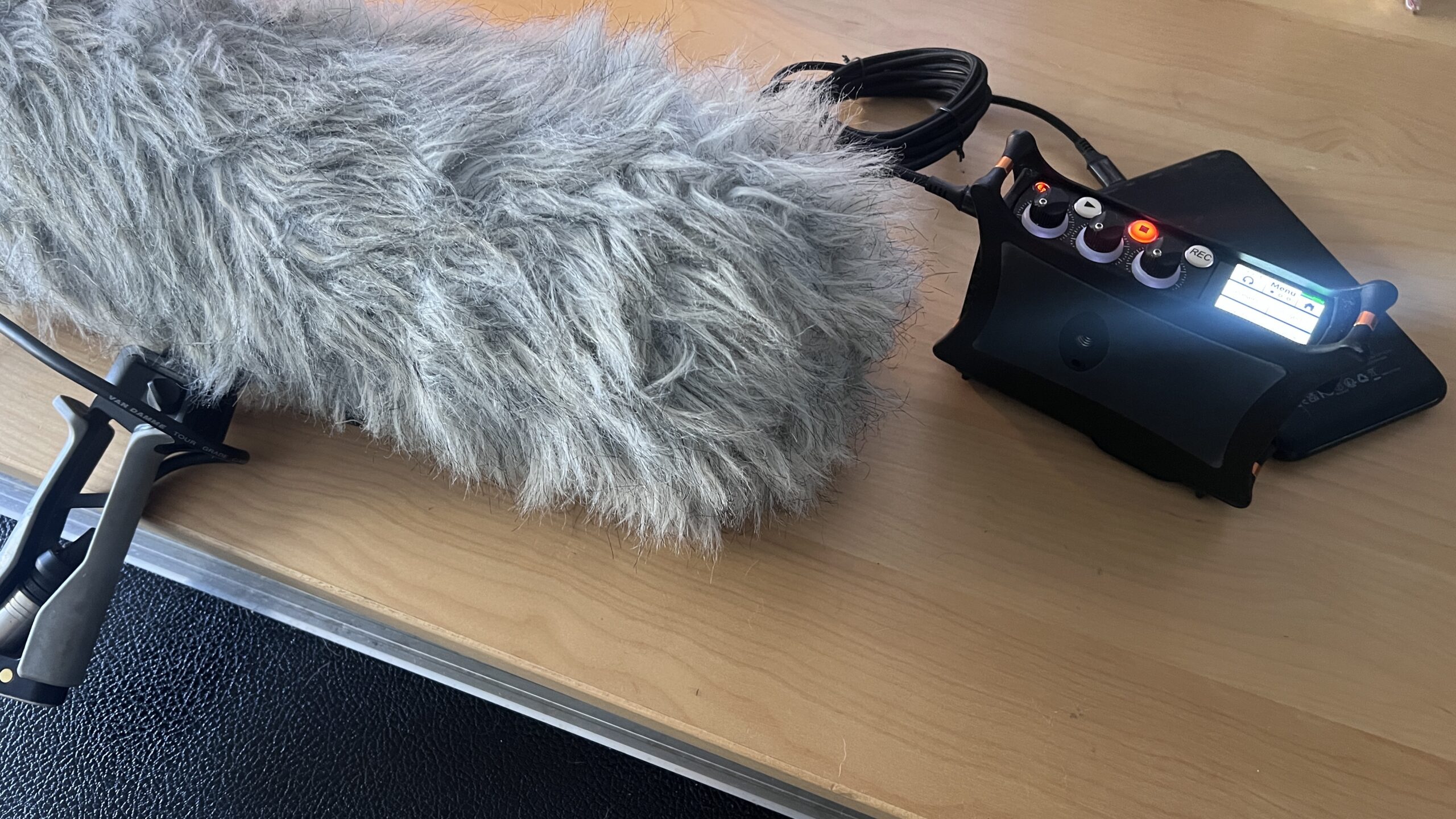
Belgrade itself is a brilliant, surprising place. I probably spent far too much time recording trams, trains and general street noise, and not nearly enough time doing “proper” sightseeing. Turns out I’m still happiest standing on a street corner pointing a microphone or camera at whatever rattles past…
This Steinway Upright has a silver pressure bar in the treble section only. Seems to have a repuation for making it difficult to tune. Any advice on whether these bars should be loosened prior to tuning – please leave a comment below. Thank you.
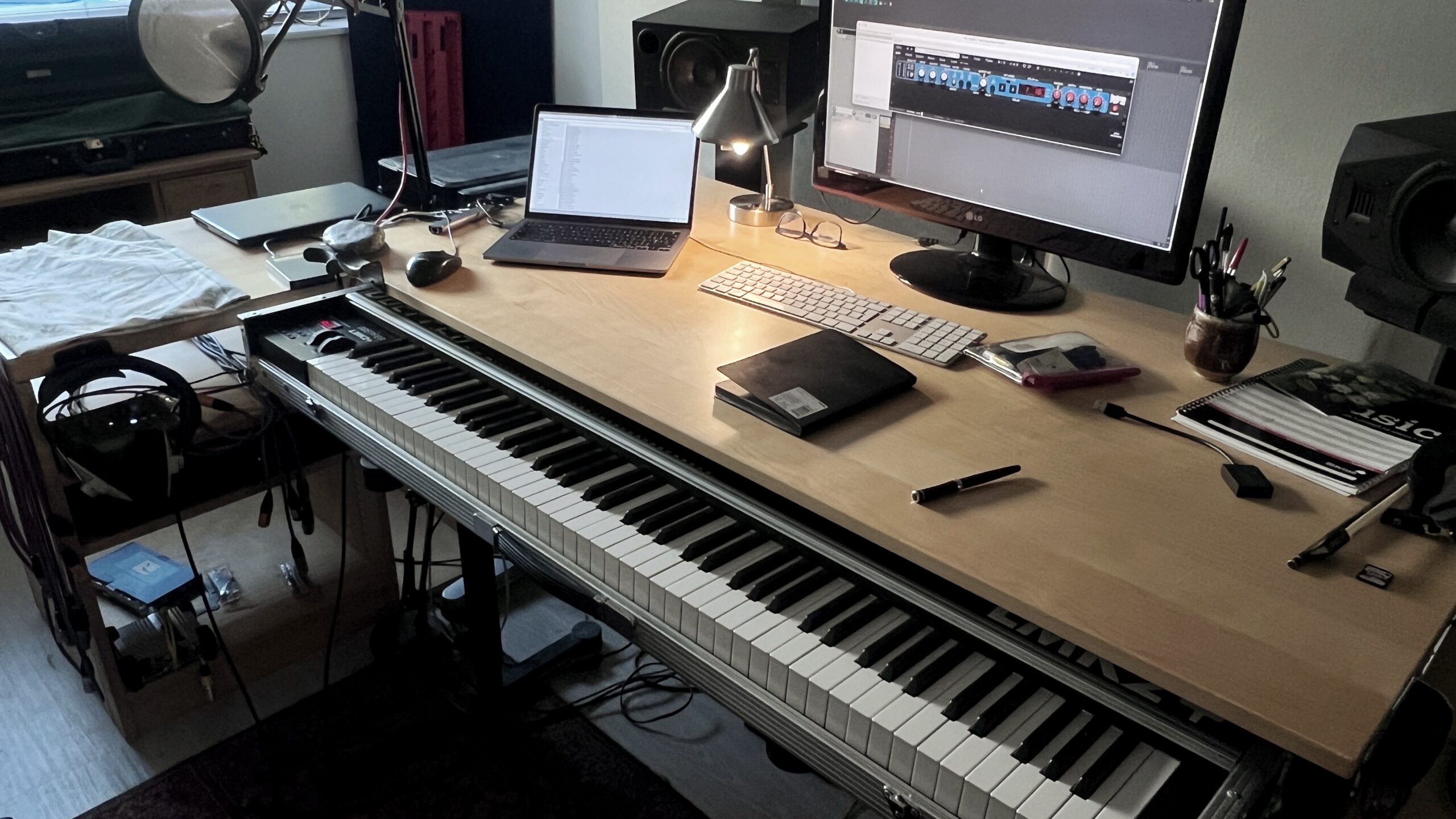
If you are importing a mutifile WAV file into Reaper from something like a Sound Devices MixPre-3 recorder you might end up with in my case here, my four channels of audio contained within 1 item.
Item with 4 channels
In this example I only need to work with channels 3 & 4 in stereo, and to make it easy to edit I want them combined together as one item on one track.
To do this I’m going to select my 4 channel item, right click and look for: ITEM PROCESSING / EXPLODE MULTICHANNEL AUDIO….
This will create a folder track and 4 separate child tracks – one for each channel.
I don’t need the folder track structure, so at the bottom of the folder track itself there is a ‘cross’ – click it to remove the folder structure.
Then delete the folder track plus the first 2 tracks, leaving 2 tracks with channel 3 & 4 containing the L & R portions of my stereo recording.
To make these into one stereo track, select both items, right click and find ITEM PROCESSING AGAIN and this time look for IMPLODE ITEMS ACROSS TRACKS INTO ITEMS ON ONE TRACK. IMPORTANT! Both Items are now on top of each so under OPTIONS (Main Menu) select:
OFFSET OVERLAPPING MEDIA ITEMS VERTICALLY
Both items are on one track but as separate ‘lanes’ and both are panned to the centre. So double click on the top channel 3 item and pan it hard left, apply. Then d.click the lower channel 4 item and pan hard right. We’re now in stereo. Lastly select the items (d.click the track header) and glue them together. Right click and look for the Glue option.
Quick little look at putting a TV documentary style track with a hint of ‘Nordic Noir’ together fast using Reaper and the u-he Diva synth – loaded up with the the amazing patches in the Nordsund Diva Soundset from The Unfinished.
The revolutionary Voice Convert tool applies a pre-generated voice model to an existing voice recording, retaining its inflections, pitch variation, and emotion. Improve your own voice if recorded in a noisy environment, or create perfect ADR using the original actor’s own voice.
Presented by AI Female Voice No 2 from Davinci Resolve
We use cookies to ensure that we give you the best experience on our website. If you continue to use this site we will assume that you are happy with it.