
If you are importing a mutifile WAV file into Reaper from something like a Sound Devices MixPre-3 recorder you might end up with in my case here, my four channels of audio contained within 1 item.
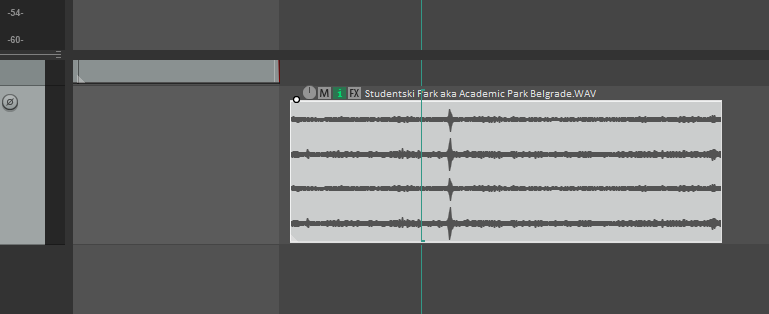
In this example I only need to work with channels 3 & 4 in stereo, and to make it easy to edit I want them combined together as one item on one track.
To do this I’m going to select my 4 channel item, right click and look for:
ITEM PROCESSING / EXPLODE MULTICHANNEL AUDIO….
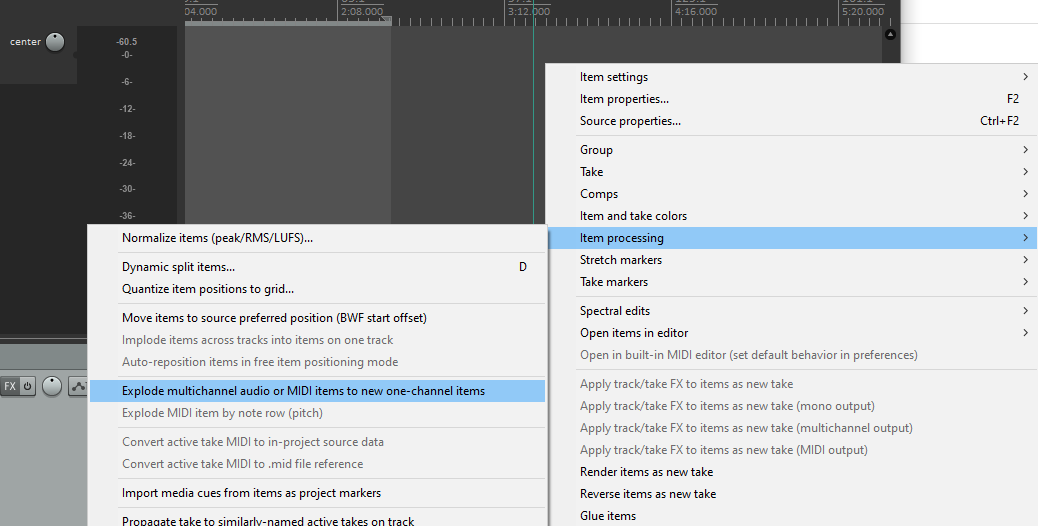
This will create a folder track and 4 separate child tracks – one for each channel.
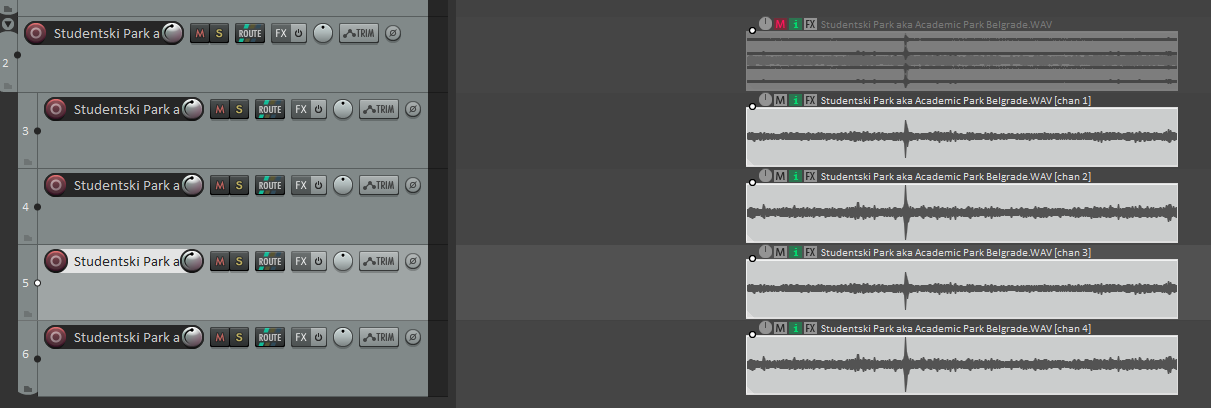
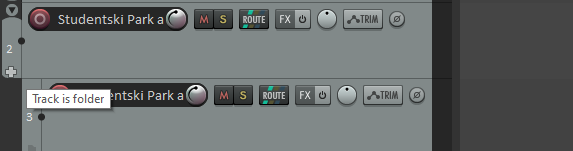
I don’t need the folder track structure, so at the bottom of the folder track itself there is a ‘cross’ – click it to remove the folder structure.
Then delete the folder track plus the first 2 tracks, leaving 2 tracks with channel 3 & 4 containing the L & R portions of my stereo recording.

To make these into one stereo track, select both items, right click and find ITEM PROCESSING AGAIN and this time look for IMPLODE ITEMS ACROSS TRACKS INTO ITEMS ON ONE TRACK.
IMPORTANT! Both Items are now on top of each so under OPTIONS (Main Menu) select:
OFFSET OVERLAPPING MEDIA ITEMS VERTICALLY

Both items are on one track but as separate ‘lanes’ and both are panned to the centre. So double click on the top channel 3 item and pan it hard left, apply. Then d.click the lower channel 4 item and pan hard right.
We’re now in stereo.
Lastly select the items (d.click the track header) and glue them together. Right click and look for the Glue option.
Done – you now have one stereo item on one track.